General•December 11, 2024
How to Extend an Image with AI? (easier than Photoshop)
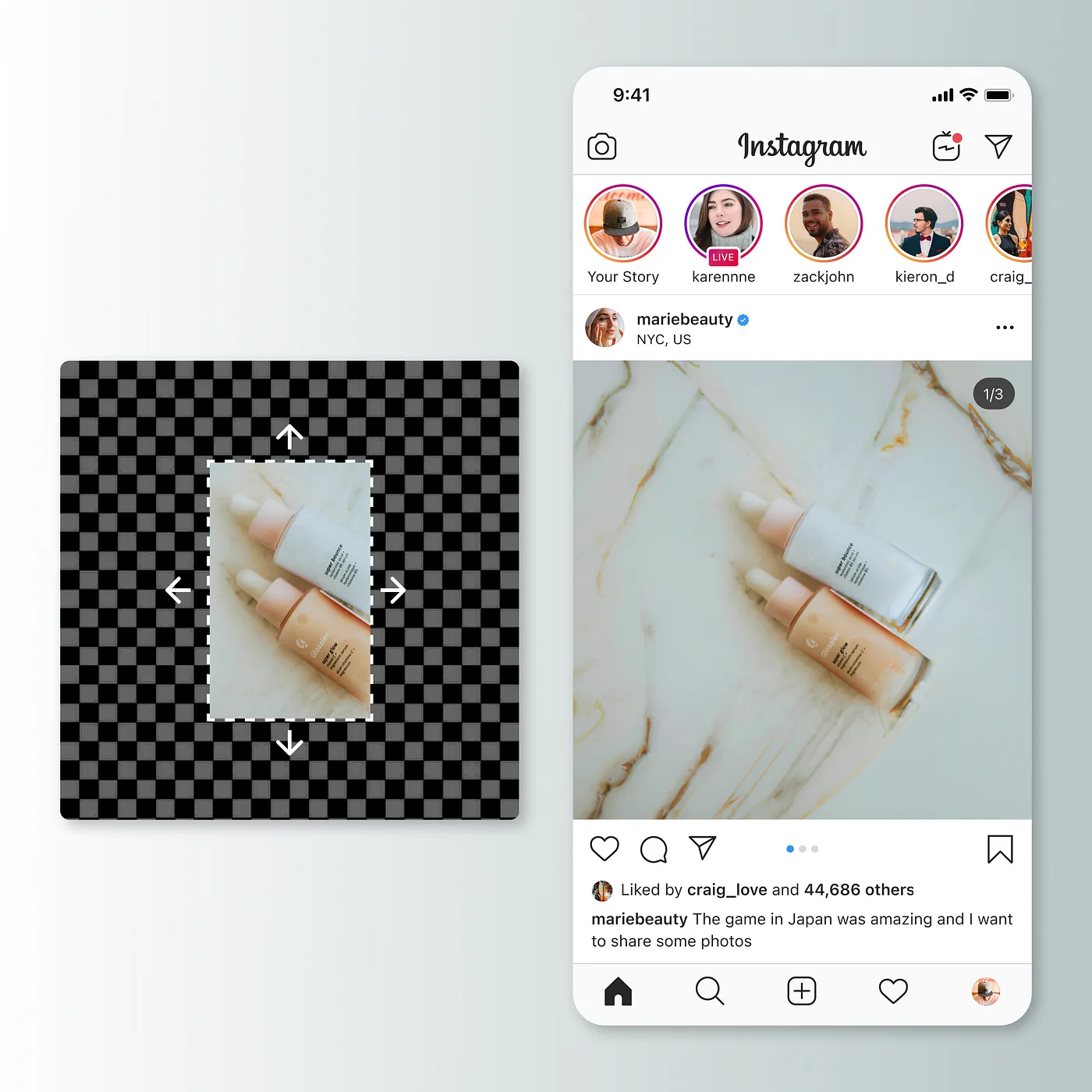
You no longer need Photoshop or understand advanced image editing software to expand a photo. You just need to use our canvas editor, you can do it in one click like this:

Enter the Extend Image tool in Artificial Studio. On the left side you will see a section to upload the image you want to expand and below a prompt that will help the AI better understand what it should create (you can also decide not to write anything).
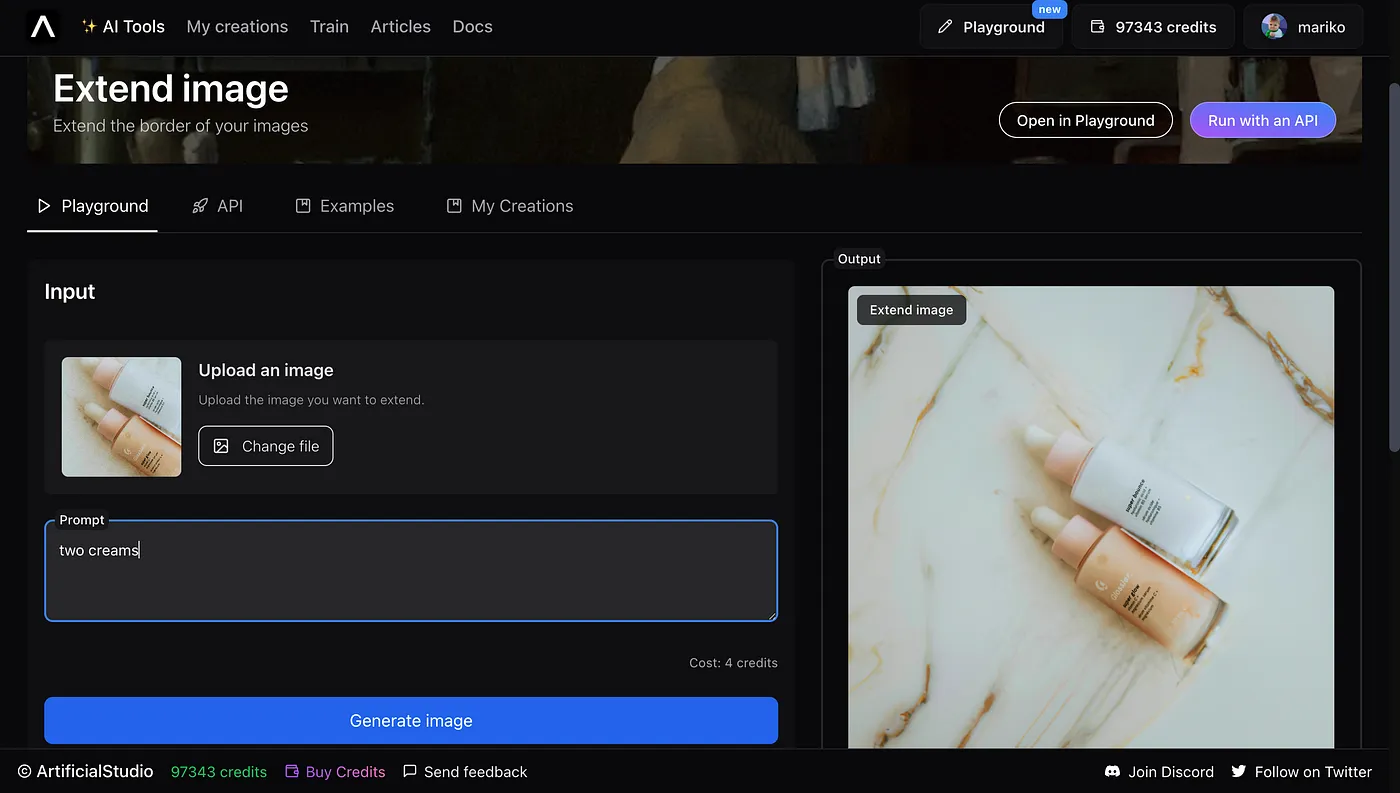
Click on the blue “Generate image” button, wait a few seconds, and that’s it!
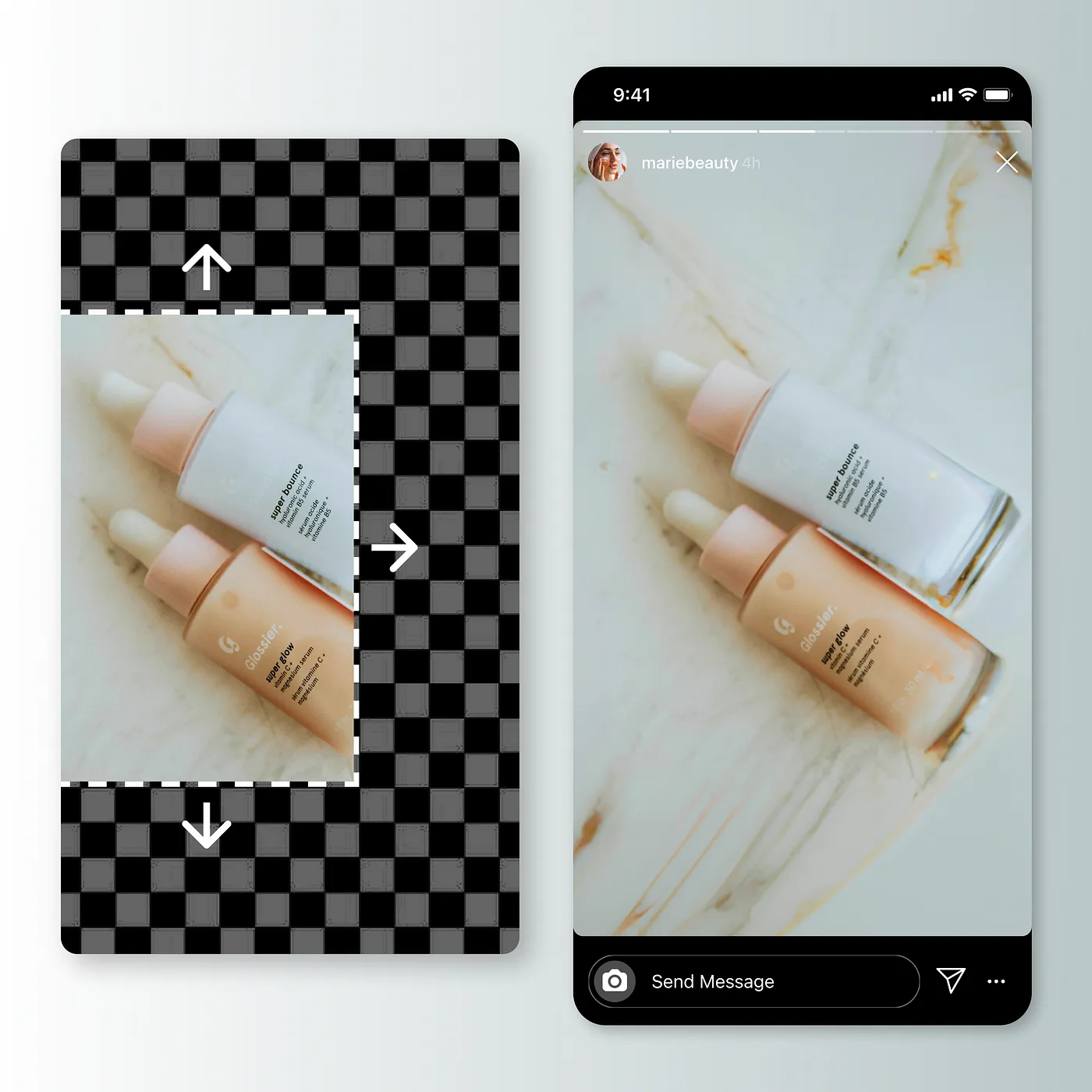
You can use the new image, move it, crop it or resize it so you can use it on your social media
If you liked this, you’ll love the rest of the +40 AI tools that Artificial Studio has to create images, videos, audio and text!